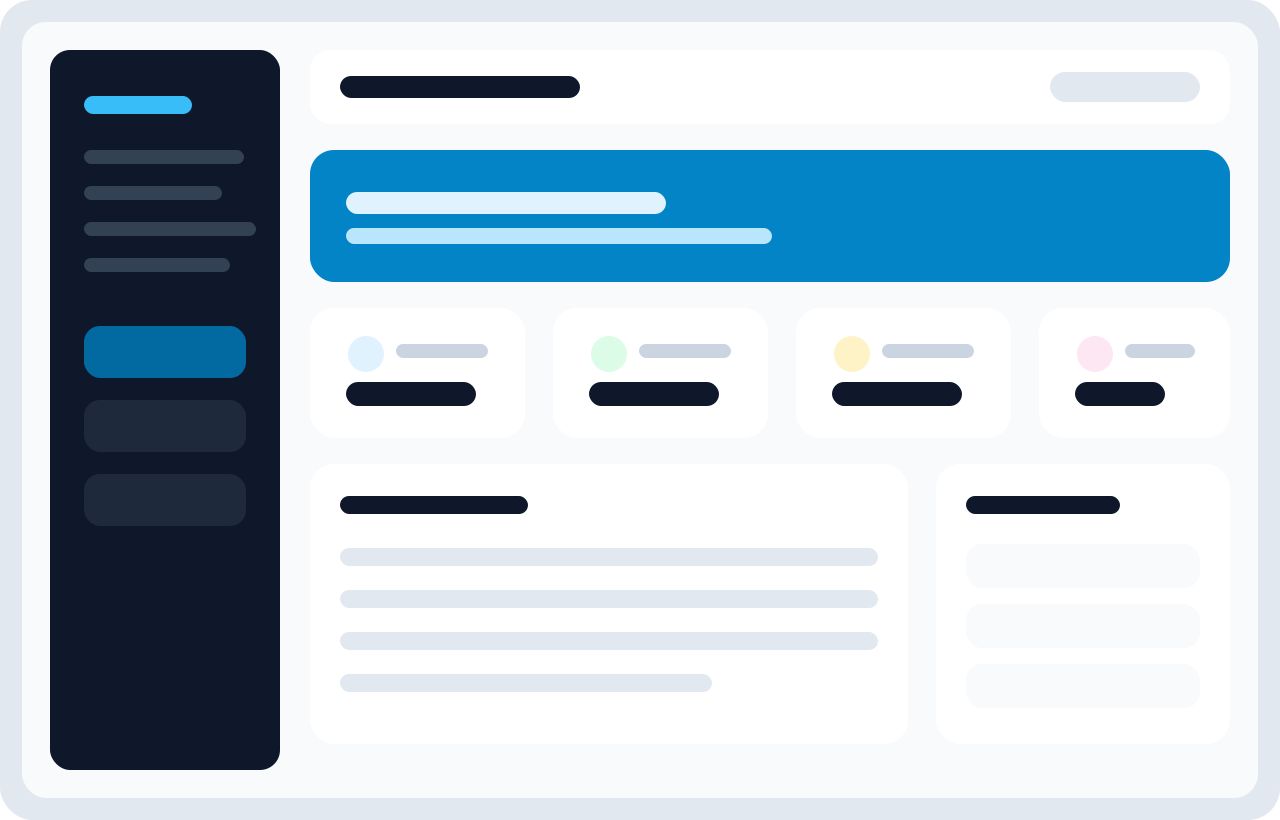
What the admin panel is for
The admin panel is the control room of the application. It is where teams decide what kinds of letters can exist, who can receive them, how companies are represented, what gets approved, and how the system behaves globally.
Primary navigation areas
- Management: Companies and Employees
- Content Management: Letter Templates, Letters, Letter Requests
- Configuration: System Settings
- Supporting tools: Languages, audits, revisions, imports, and exports
What administrators usually do here
- Create company records before any template work begins.
- Maintain branding and document numbering schemes.
- Create multilingual templates and monitor revision history.
- Review pending requests and convert them into approved letters.
- Manage employees and localized user translations.
- Adjust settings that affect parsing, approval logic, and system defaults.
Why this split matters
The admin area does not exist only for security; it exists for process control. A letter system becomes fragile when template changes, employee data changes, and approval decisions happen in unstructured places. The admin panel concentrates those decisions into one governed surface.
Good operating habits for admins
- Use draft-like discipline even if the product does not expose a formal draft state for everything.
- Check template validation before announcing a new letter type to employees.
- Review audits and revision history before restoring older content.
- Use company-specific reference rules intentionally. They affect downstream records and printed output.
- Treat settings changes as operational changes, not just UI tweaks.
Common mistakes in the admin area
- Creating templates before the company record is fully configured.
- Adding placeholders in one language and forgetting to match them in other languages.
- Assuming a request can always be approved later without checking requester-required fields.
- Importing employees before agreeing on company naming conventions.
- Changing delimiter-related settings after templates already exist, without retesting parsing.
Recommended admin operating model
The most effective teams divide responsibilities clearly. Company administrators usually own company setup and numbering rules. Content owners or HR specialists own templates and translations. Approvers own request review and output quality. Even when one person performs all roles, thinking in these separate responsibilities keeps the system cleaner.
Daily admin checklist
- Check pending request counts and prioritize urgent approvals.
- Review newly created templates for placeholder consistency before broad usage.
- Confirm new employees are attached to the correct company.
- Check whether any failed imports or partial data issues need cleanup.
- Look at recent audits when something appears unexpectedly changed.
When admins should stop and review before saving
- When changing delimiters or parsing behavior in settings.
- When restoring an older template revision.
- When changing a company reference format in production.
- When importing large employee batches with new company names.